A Personal Assistant on Your Phone Is Now Within Everyone's Reach: A Voice Agent with Twilio and OpenAI
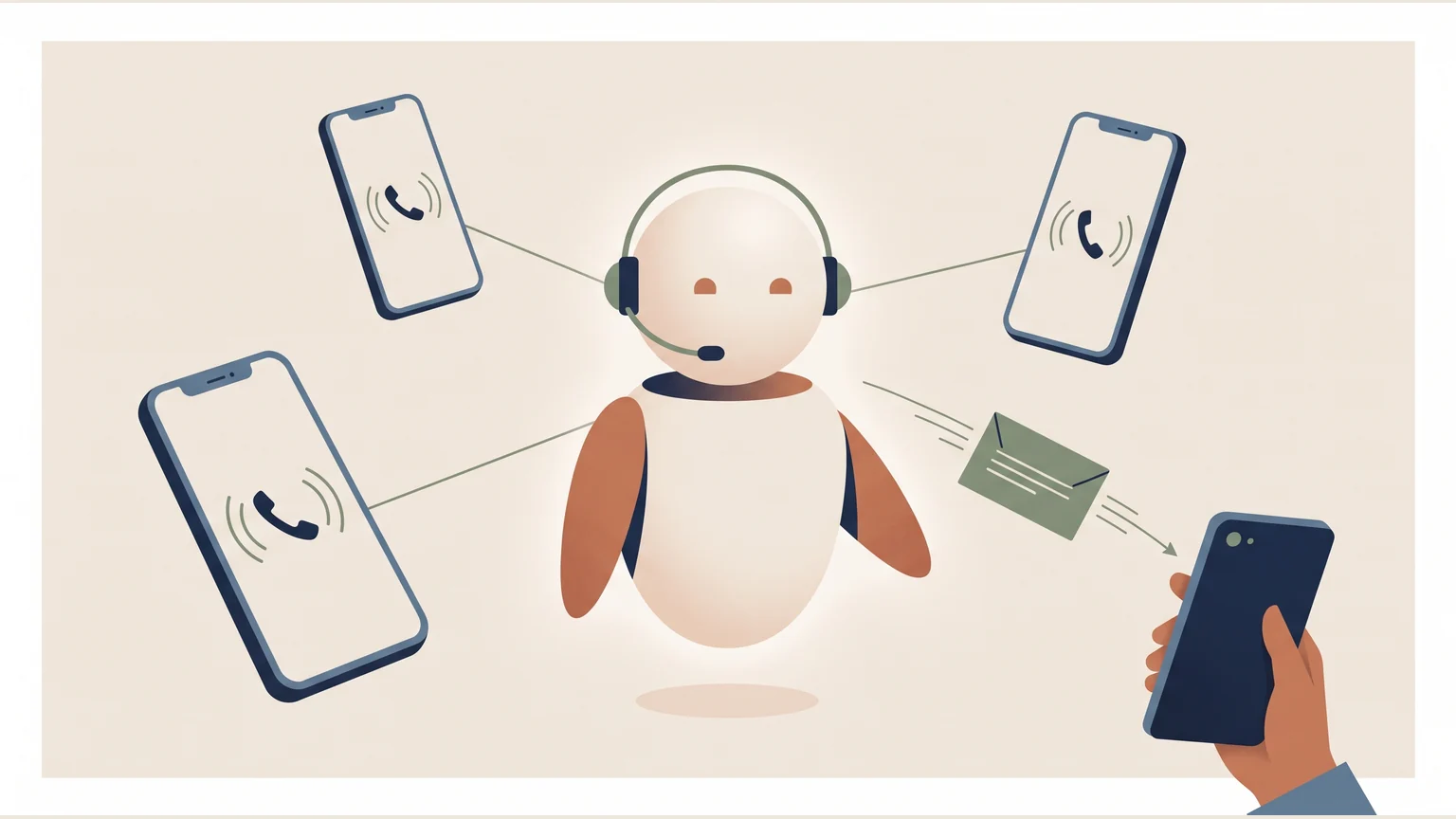
If you can't get to your iPhone or Pixel, let someone answer for you. I hooked my phone's call forwarding up to Twilio and OpenAI's voice model, and in under a couple of hours I had an assistant that picks up the way I ask it to and texts me who called. Then I put it to work answering questions about my own work, right here.
Your phone rings, you don’t get to it in time, and instead of voicemail an assistant answers. It speaks the way you asked it to, knows what you told it to know, and when the call ends it texts you who called and why. That works today on an iPhone or a Pixel, with nothing installed on the phone.
The idea is not new. Apple introduced it in iOS 26 as Call Screening (this one-minute Apple video shows how it works), and Google has it on the Pixel as Call Screen: the phone answers an unknown number and asks who it is and why they are calling. What I wanted to try is the next step: an assistant that does not just ask, but holds a conversation, with the information and tone I choose.
I put it together in under a couple of hours. I want to show how, because the integration is far simpler than it sounds.
How it works
The trick is conditional call forwarding, a feature your phone carrier already offers. With a code like *61*number#, dialed as if it were a regular number, you tell it to send the call to another number if you don’t pick up.
That other number belongs to Twilio, a company that rents phone numbers and lets a program receive and make calls. Twilio streams the call’s audio, live, to a server: a small JavaScript (Node.js) program running on a computer that is always on. The server passes that audio to gpt-realtime, OpenAI’s voice model. Unlike ChatGPT writing text, this model listens and speaks directly, in real time, which is why the conversation feels like a call and not like dictation. Its answer travels back into the call the same way.
Call → your iPhone or Pixel (you don't answer)
     → carrier forwarding → Twilio number
     → Node server → OpenAI Realtime → voice back into the call
     → on hang-up: SMS with the summary
Your phone still rings first; the assistant only takes what you miss. If the call is urgent, it can try to connect you live, and if you don’t answer that either, it goes back to the caller, says so and takes the message.
What surprised me most is how much you can tune without touching code. A password-protected admin page lets you change the voice, speed, greeting, goodbye and tone, and the changes apply from the next call. What the assistant knows lives in a text file. If tomorrow you want it to answer as a clinic’s receptionist instead of your personal assistant, you change that file and a few phrases.
From my phone to my portfolio
With the piece working, I took it somewhere else: an assistant that answers questions about my experience and projects. It lives at ai-caller.gonor.me/talk, with a button to talk to it from the browser or a number you can call. It only knows what is in my CV and on this site, speaks Mexican Spanish and switches to English if you do. When the conversation ends, I get a summary.
The bridge to the model is the same. What changed is the knowledge file, the greeting and the browser entry point, which uses WebRTC (the technology that lets a web page send live audio, the same one behind video calls in the browser) and needs no phone.
What it costs
The numbers so far, from my tests and the first conversations:
| Item | Cost |
|---|---|
| Twilio number (US) | ~1.15 USD per month |
| Inbound call on Twilio | ~0.0085 USD per minute |
| OpenAI voice model | ~0.06 to 0.10 USD per conversation minute |
| Summary SMS to Mexico | ~0.18 USD each |
October so far: 10 conversations and just over 9 minutes of voice, which comes to less than a dollar on the model. The server runs on a machine I already had. I set a budget of 30 minutes a day and 200 a month, which caps the model’s spend at 12 to 20 dollars a month.
What is not great yet
- Latency. Answers are quick but not instant. On some questions there is a noticeable pause before it starts talking.
- Phone audio. A regular phone call carries sound at much lower quality than the internet (8 kHz, against 24 kHz or more in the browser), so the voice sounds flatter on the phone.
- The number is in the US. For someone in Mexico, calling a +1 number directly costs an international call. A Mexican number would fix that, but it takes more paperwork on Twilio.
- Voicemail goes away. With no-answer forwarding on, the carrier’s voicemail stops getting calls; the assistant replaces it entirely.
- It knows what you write, and nothing else. If the knowledge file goes stale, the assistant repeats stale information with full confidence. I also don’t have a fixed set of questions yet to measure whether it answers well; I have tested it by talking to it.
Opportunities
It is a simple project, which is why it fits so many uses. A clinic, a repair shop or a small firm could have a front desk that answers after hours and leaves a tidy message. A salesperson could screen calls and only get the ones worth taking. An event could run a line that answers the same ten questions everyone asks. Connected to a calendar, it could book appointments; connected to a CRM, the system where a business keeps its customers and leads, it could log every contact without anyone typing it in.
The hard part, getting a phone to talk to a language model in real time, is already solved by the tools. What is left is deciding what you want it to answer, and how.
Having a model answer only from a known text is the same idea behind the LISF and CUSF regulation assistant. And if you want to see what happens inside a language model, the Proust attention machine builds one from scratch.